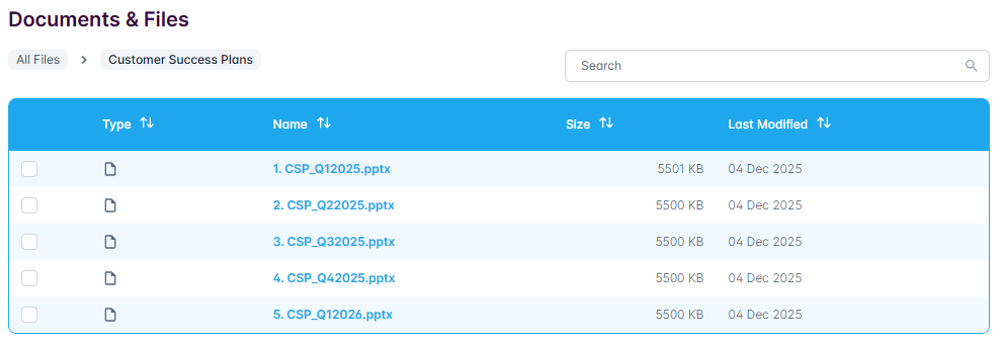
Users with the Admin role are able to view documents and files uploaded by the TruRating team.This may include, for example, presentation decks following Executive Business Reviews (EBRs), Customer Success Plans and so on.
To access this area:
- visit Account Admin
- select Documents & Files
Individual documents and files are categorized within a folder structure.
Once inside the appropriate folder, simply click on the name of any given document or file to download it.
You can also search for a specific document, file or folder by name.